How to install plugin?
Go to the MyAAC Admin Panel, then click on Plugins menu link, and then select your plugin file (.zip file) and click Upload. That's all to make your plugin work!
There are total 42 different plugins in our database.
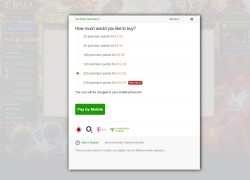
Version: 8.1
This is shop system taken from Gesior, modified for MyAAC.
- Downloads: 6336
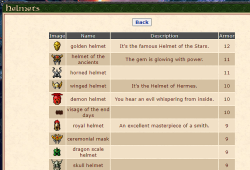
Version: 5.1
Automatic generator for MyAAC of a list of items on your server organized
- Downloads: 1641
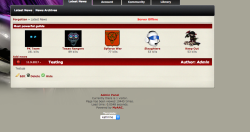
Version: 1.0.2
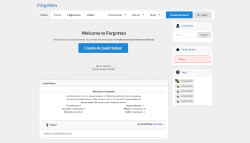
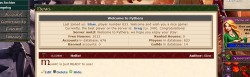
Shows Welcome Box with information like guilds, houses, players on the front page (news).
- Downloads: 799


Version: 1.1.3
Generator of sample data - generate fake accounts, players & online players, maybe in future something more.
- Downloads: 773

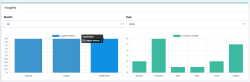
Version: 3.1
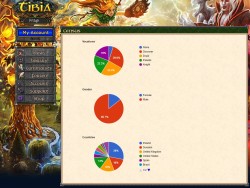
This is Census plugin for MyAAC. It display various statistics about players and accounts.
- Downloads: 677

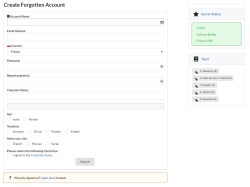
Version: 2.3
Show calculated password strength estimation on the Create Account page.
- Downloads: 611
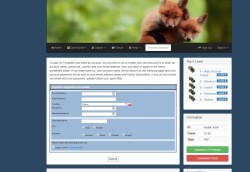
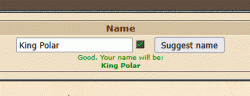
Version: 1.0.2
Suggest Name option in create character and account create pages.
- Downloads: 599
Version: 2.0
This is House Auctions script taken from Gesior for MyAAC that works only on TFS 1.x and higher.
- Downloads: 598
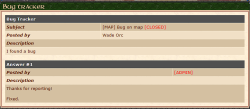
Version: 1.0.1
Queue outgoing emails. Will be sent in batches by a cron job.
- Downloads: 183
Version: 1.0
Extracted from MyAAC Core. Provides automatic parsed information about the OpenTibia server.
- Downloads: 182
Version: 1.0
Loads NPCs (XML & Lua), to block creating characters with NPC names.
- Downloads: 33
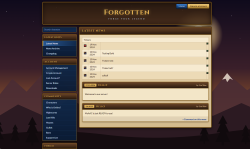
Version: 1.0
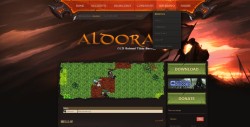
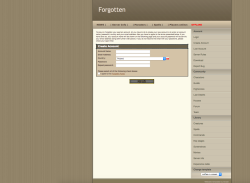
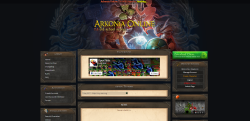
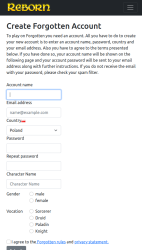
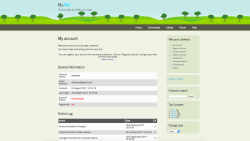
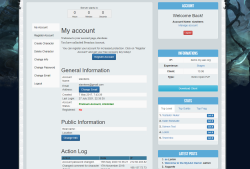
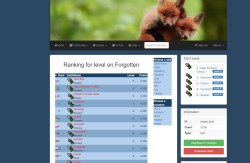
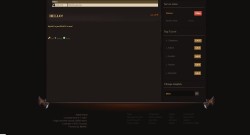
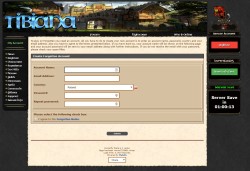
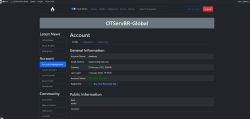
Brown MMORPG-style theme with blue menus and fantasy background for MyAAC.
- Downloads: 6
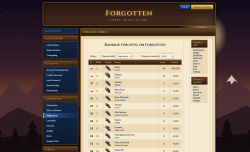
Version: 1.0
Brown MMORPG-style theme with blue menus and fantasy background for MyAAC.
- Downloads: 6
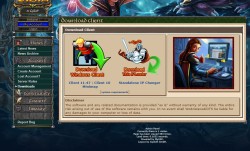
Version: 3.1
This is Census plugin for MyAAC. It display various statistics about players and accounts.
- Downloads: 677
Version: 2.0
This is House Auctions script taken from Gesior for MyAAC that works only on TFS 1.x and higher.
- Downloads: 598
Version: 1.0
Extracted from MyAAC Core. Provides automatic parsed information about the OpenTibia server.
- Downloads: 182
Version: 1.1.3
Generator of sample data - generate fake accounts, players & online players, maybe in future something more.
- Downloads: 773